GitHub
Actions.
At a glance.
Monitor your GitHub Actions workflow runs directly from the macOS menu bar.
One-time purchase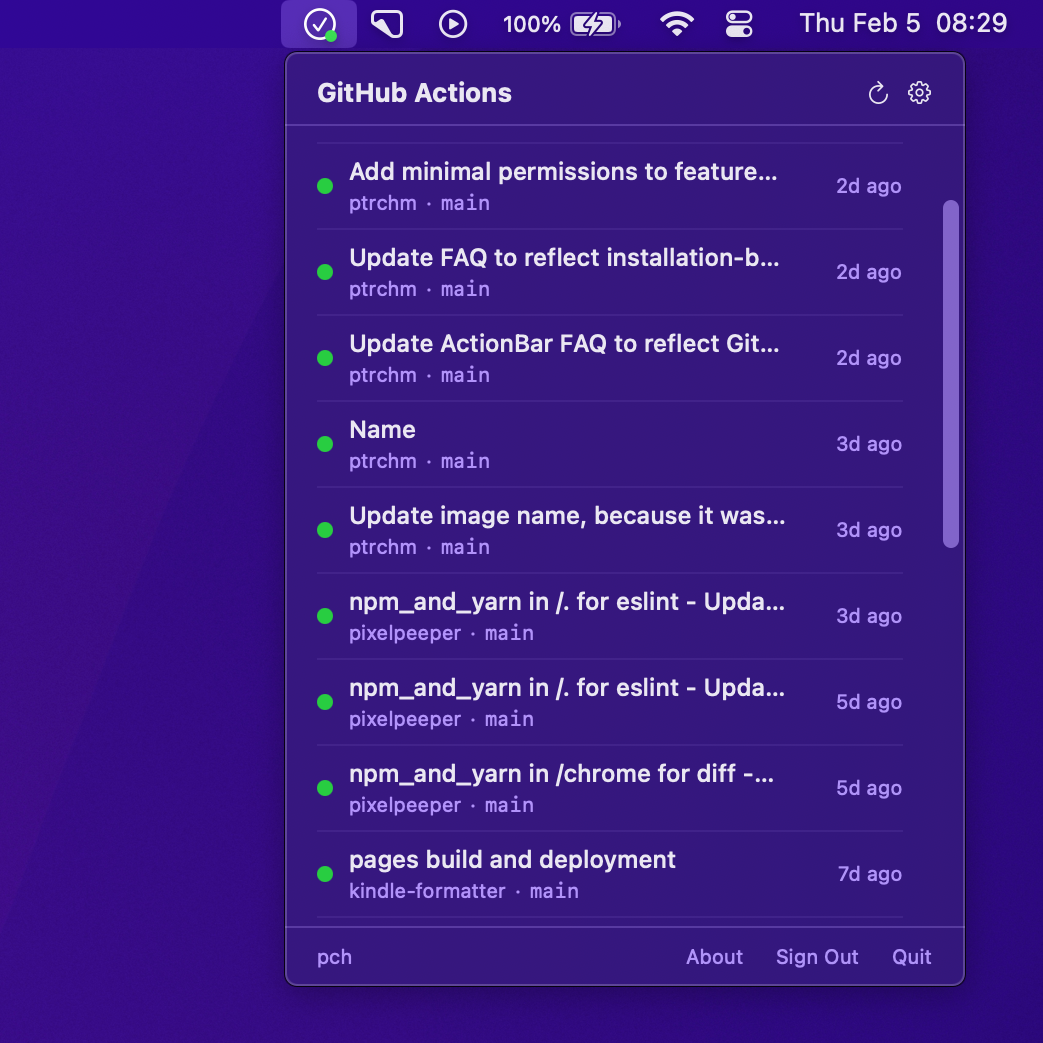
- See workflow run statuses at a glance
- Get notifications when runs complete
- Select repositories you want to monitor
- Minimal permissions — no access to your code
- Native macOS app — lightweight and fast
FAQ
What permissions does it need?
ActionBar uses a
GitHub App
with only Actions (read) and
Metadata (read) permissions. It never has access to
your code. It only calls the
/repos/{owner}/{repo}/actions/runs
endpoint for selected repos.
Your access token is stored in the macOS Keychain.
How often does it refresh the list of workflow runs?
By default, ActionBar queries the API every 30 seconds, but you can configure the polling interval. You can also refresh manually at any time.
Can I get a notification when a run completes?
Yes. Make sure notifications are enabled in System Settings → Notifications → ActionBar.
Does it monitor all repositories?
By default, it monitors all repositories where the GitHub App is installed. You can select which repositories to monitor in the app's settings.
Each repository requires a separate API call on every refresh, so monitoring too many repositories may lead to hitting GitHub's rate limits – and it may be too slow to be usable.
Is this project affiliated with GitHub?
No. ActionBar is an independent app built by ptrchm, not affiliated with GitHub.
Privacy Policy
ActionBar does not collect, transmit, or share any personal data.
All communication is exclusively with GitHub’s official API
(api.github.com). No analytics, telemetry, or
third-party services are used.
Data stored on your device:
- Your GitHub access token, stored in the macOS Keychain
- Your list of selected repositories, stored in app preferences
- Your polling interval setting, stored in app preferences
Data accessed from GitHub:
- Your GitHub username
- Repository names and workflow run metadata (status, branch, timestamps)
ActionBar does not read your source code. It only accesses the workflow runs API. No data is sent to any server other than GitHub. All stored data is deleted when you sign out.
For questions, contact [email protected].